
Loopster
the intuitive practice tool for musicians
Slow songs down, change pitch, mark passages, and loop them — all from the keyboard.

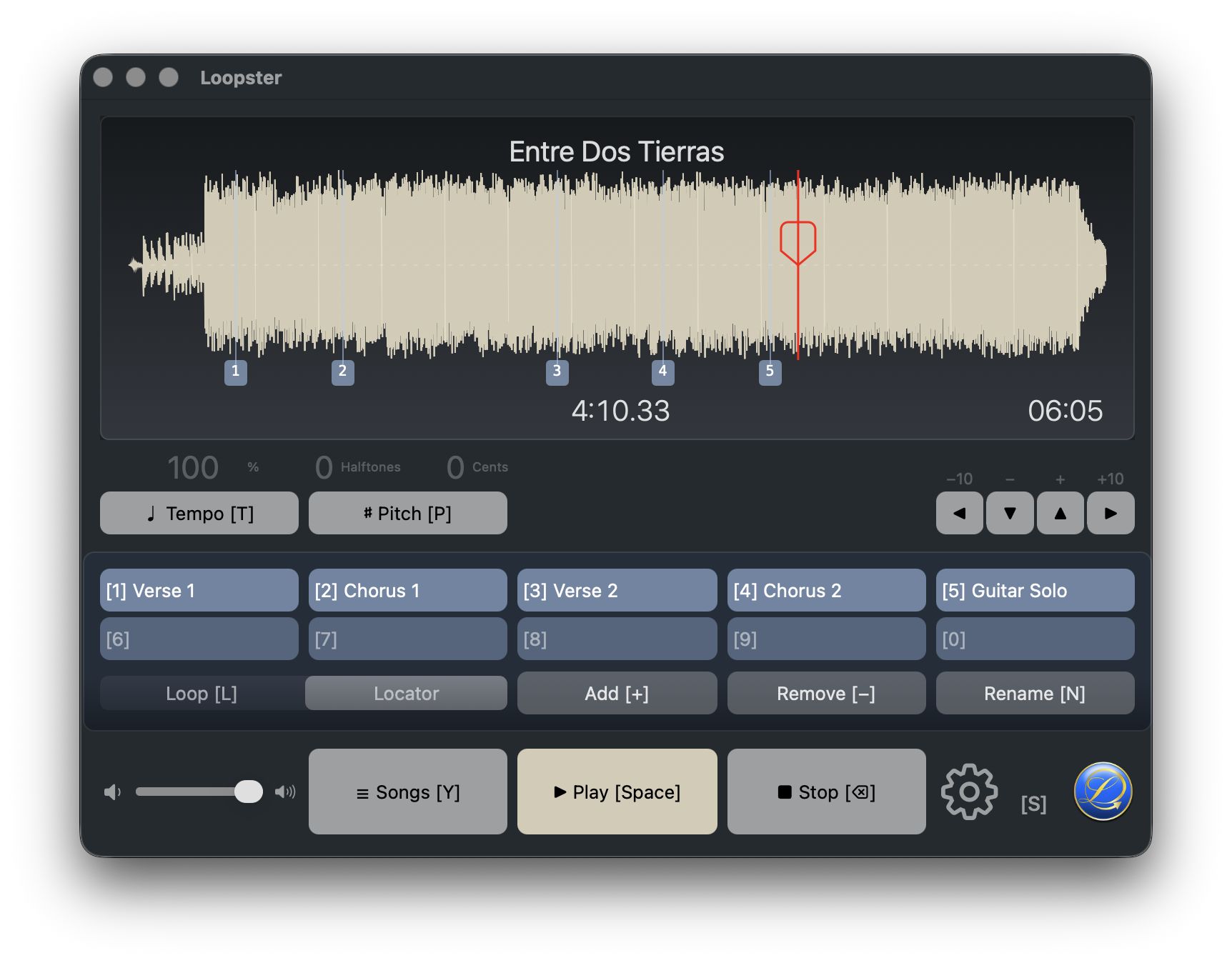
Designed around the keyboard
Practicing is hands-busy work — keep hold of your instrument and tap a single key instead of reaching for the mouse. Every important control shows the key that triggers it, right on its button. Learn it once, practice without losing focus on your instrument.
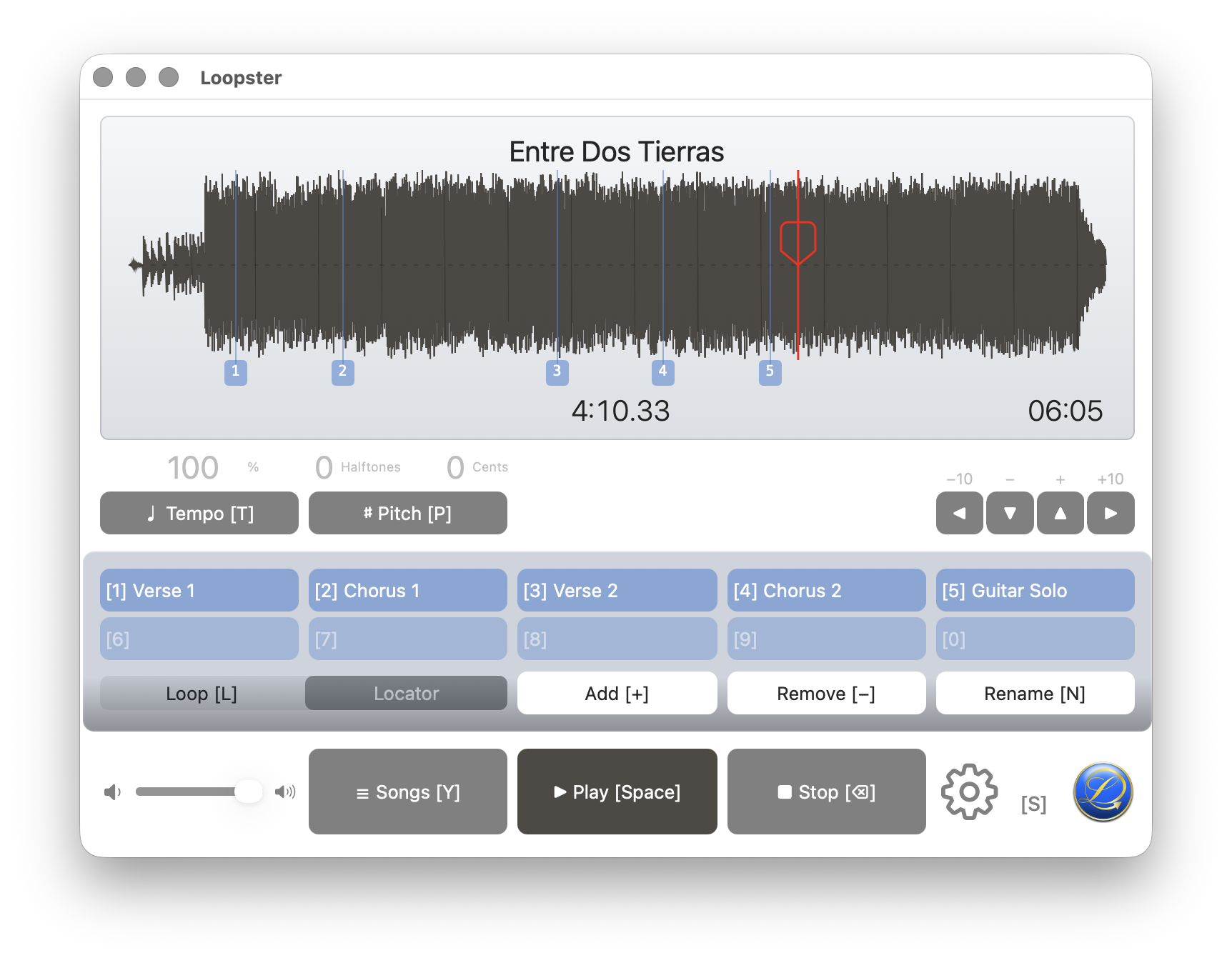 Tempo
Pitch
Loop mode
Song list
Play / Pause
New locator / loop
Recall any of ten slots
Tempo
Pitch
Loop mode
Song list
Play / Pause
New locator / loop
Recall any of ten slots
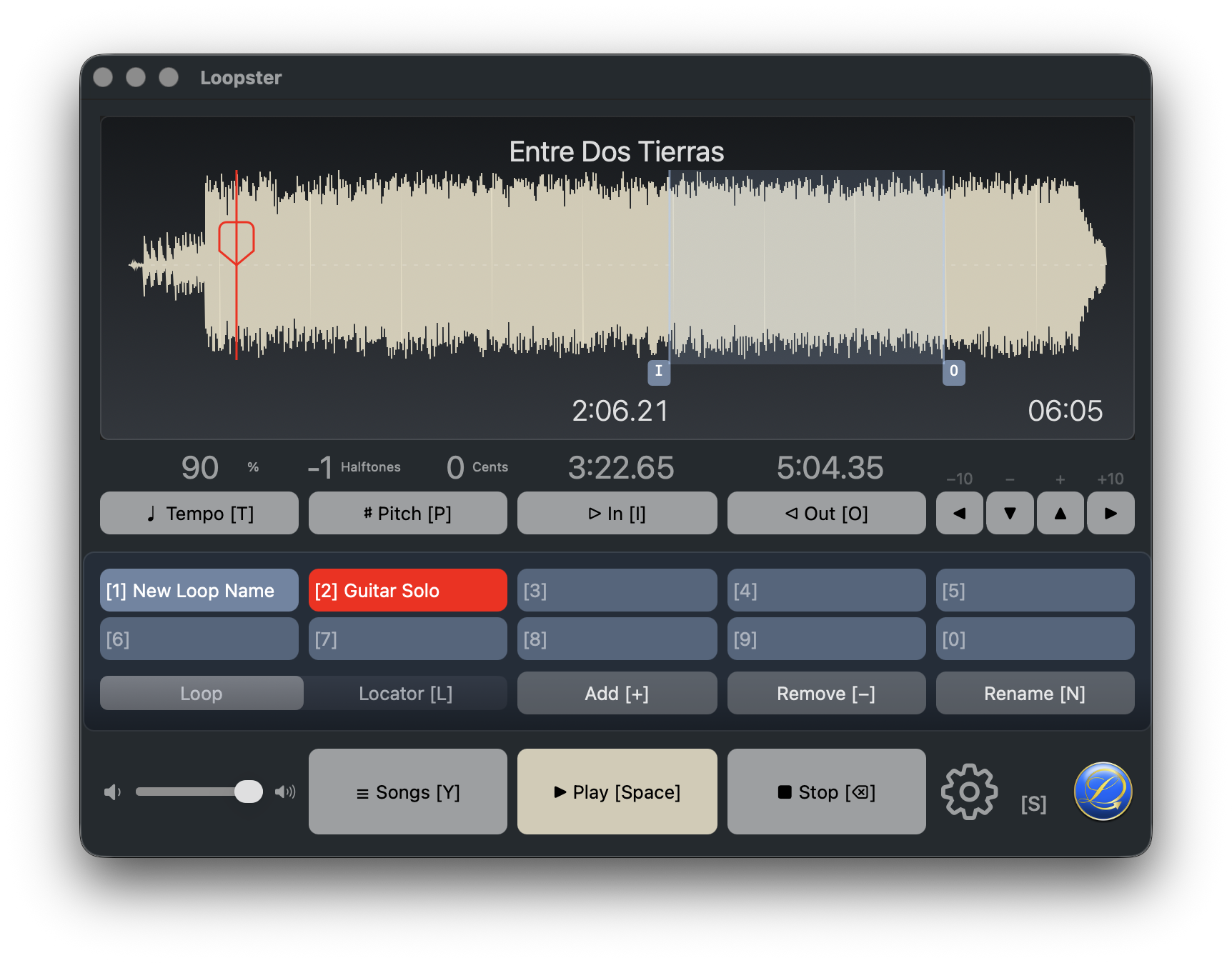
Practice loop
The basic move: slow it down with [T], tune it to your instrument with [P], mark the tricky passage with [+], jump back to it with [1]…[0]. Press [L] to switch to loop mode and capture in/out with [I] and [O]. Loop until your fingers know it.
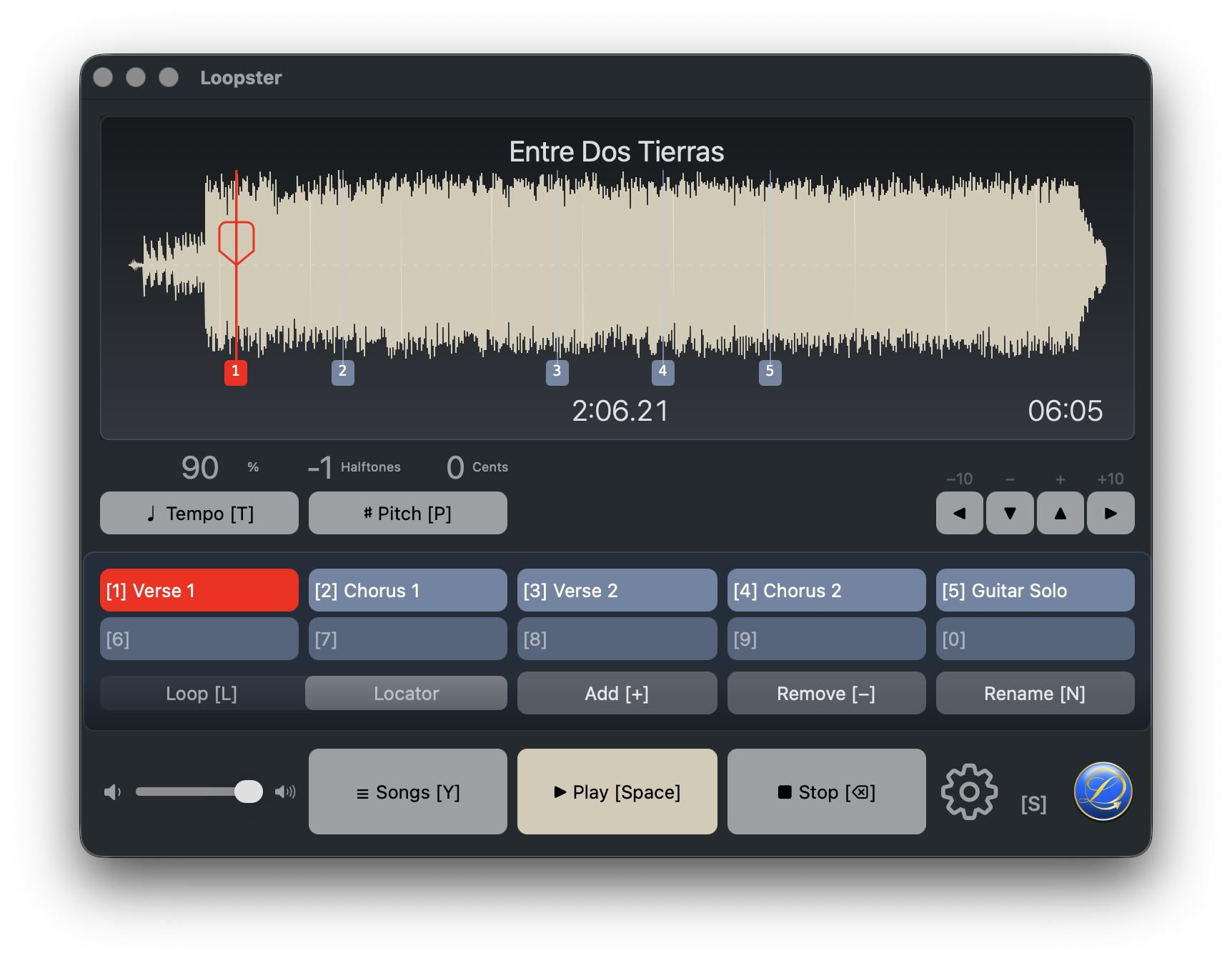
Light & Dark
Follow the system, or pick a side in Preferences → Appearance. The waveform also ships in two palettes: Studio (the default warm neutral) and Navy.
Hands-free with MIDI
Wire any MIDI controller to Loopster's transport, edit, and slot keys. While you play, the Settings icon becomes a MIDI activity indicator — so you always see when remote messages are coming through.

Export your version
Once you've slowed a song down or transposed it the way you need, export the rendered file as MP3, AAC, or WAV with [⌘E]. Drop it on a phone, an SD card, or a band-mate.
Get Loopster
Runs on macOS 10.13 and later — Intel and Apple Silicon.